Latest News

Follow the latest news on OpenShot Video Editor!


,

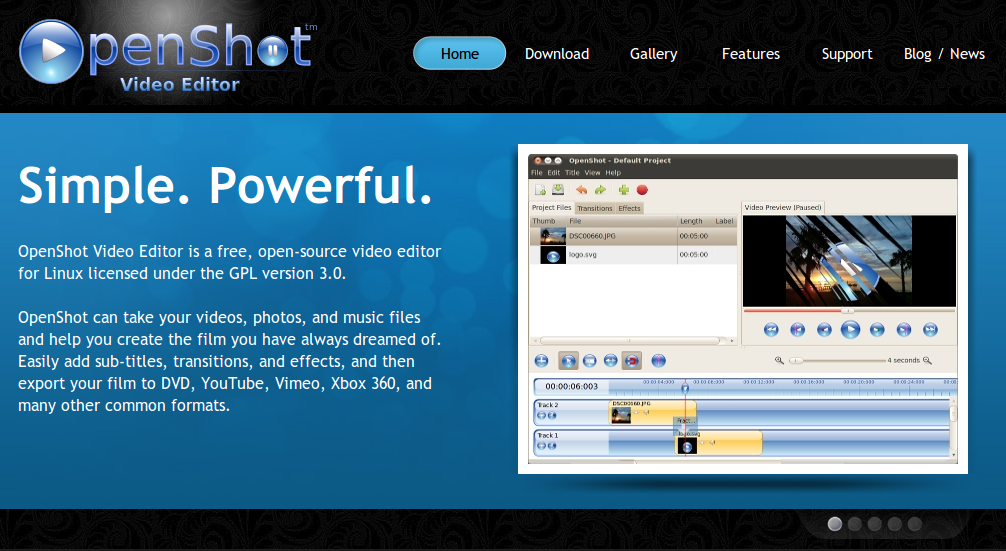
As you might have noticed, OpenShot has a brand new website! I have spent the past few weeks putting the finishing touches on it, and integrating it with this blog. I am very happy with the finished product, and I believe it does a better job of promoting and educating people about OpenShot!

Please spend some time clicking around the website, and enjoy some of the new content and features!

If anyone is interested in how I built this website please read on. This new site is built with Django, my favorite Python web framework! Of course, the blog section (which you are viewing right now) is still hosted on Blogger, until I have time to integrate that into Django also. I was able to modify the Blogger template to share the same style and menus, so it creates the illusion that there is only one website .

If you have never experienced building a website with Django, you owe it to yourself to try it out. Check out the tutorial to get started.

Share to Facebook Share to Twitter Share to MySpace Stumble It Share to Reddit Share to Delicious More...

10 comments

  1. Anonymous  

    looks great, jonathon!

  2. Chris  

    Good work so far. One quick critique: The slideshow moves way too fast to read. Or at least give a visual clue on how to pause it.

  3. Anonymous  

    Yes, Django is amazing! :)

  4. Lazza  

    AWESOME!!! :)
    Btw, you need to "clear: both" your -hr-s. :)
    http://www.openshot.org/videos/

  5. Anonymous  

    Three words: Totally....freakin....awesome.

  6. Jordi  

    Truly amazing job!
    The only thing left in the wishlist: AUDIO LEVEL CONTROL!
    With this feature, you beat Pitivi in everything!
    I tend to use openshot for most editing, and Pitivi for the audio track level control.
    Best regards from Barcelona!
    Jordi

  7. Anonymous  

    OpenShot is very intuitive.
    I tried chroma and titles in short avchd samples. Just your video was enough to know how to do that. Very good interface!

    But mlt and ffmpeg have limits.
    Although OpenShot handles AVCHD 1920x1080p@24fps .mts videos recorded with Canon HG21 cameras.
    Those videos are not displayed fluently in linux, and OpenShot is not the exception. More over, they need a lot of disk space.

    Fore that reason, I wonder if it is possible to introduce a script or batch mode in OpenShot in which one may import avchd or any other heavy video by translating it into a lightweight format. One light enough to be used to edit the film without time line and color properties get lost.

    The lightweight video may be rendered in order to see the result very fast, although of inferior quality.
    All the transformations applied to each video may be recorded in a script that will be used to transform the heavy avchd or whatever format the original source is.

    This feature would be great, because one could even use a modest computer to edit videos that otherwise would need a powerful processor and lot of disk space and memory.

    That batch editing mode would be great.

    Other improvement may be to add more filters for sound. I think about noise filter, both for the environment noise, also the noise in old analog records shhh and scratches.

    Thanks for share your program, you are a very skilled programmer no doubt, congratulations!

    Moderator: please feel free to correct any grammatical error, I am not an English native speaker.

  8. Windsurfer61  

    Adding to Jordi's comment - I noticed that if you stretch a video the sound is lost. Would it be possible to include WSOLA to also stretch the sound channel? I can do it manually by splitting the sound and video, but it would be an extremely convenient feature.

  9. Santhosh  

    I love OpenShot. So far i only used camtasia studio on windows. Last day i tried to edit a video of 3 hrs. On windows camtasia studio take almost 100% cup. I was able to edit (cut into parts) video on same pc booted to ubuntu with out any problem. One suggestion is, i cut a video into 2, removed first part, i need to drag second part to frame 1, this take lot of efforts. It will be great to have an option for watermarking like camtasia custom production option. Current way of having another track is not easy.

  10. Andy  

    New website is great. It is good-looking and colors are nice. Openshot is great also

Post a Comment

Subscribe to: Post Comments (Atom)